TeamViewer Remote
Secure remote access and IT support that scales with your business
TeamViewer Remote
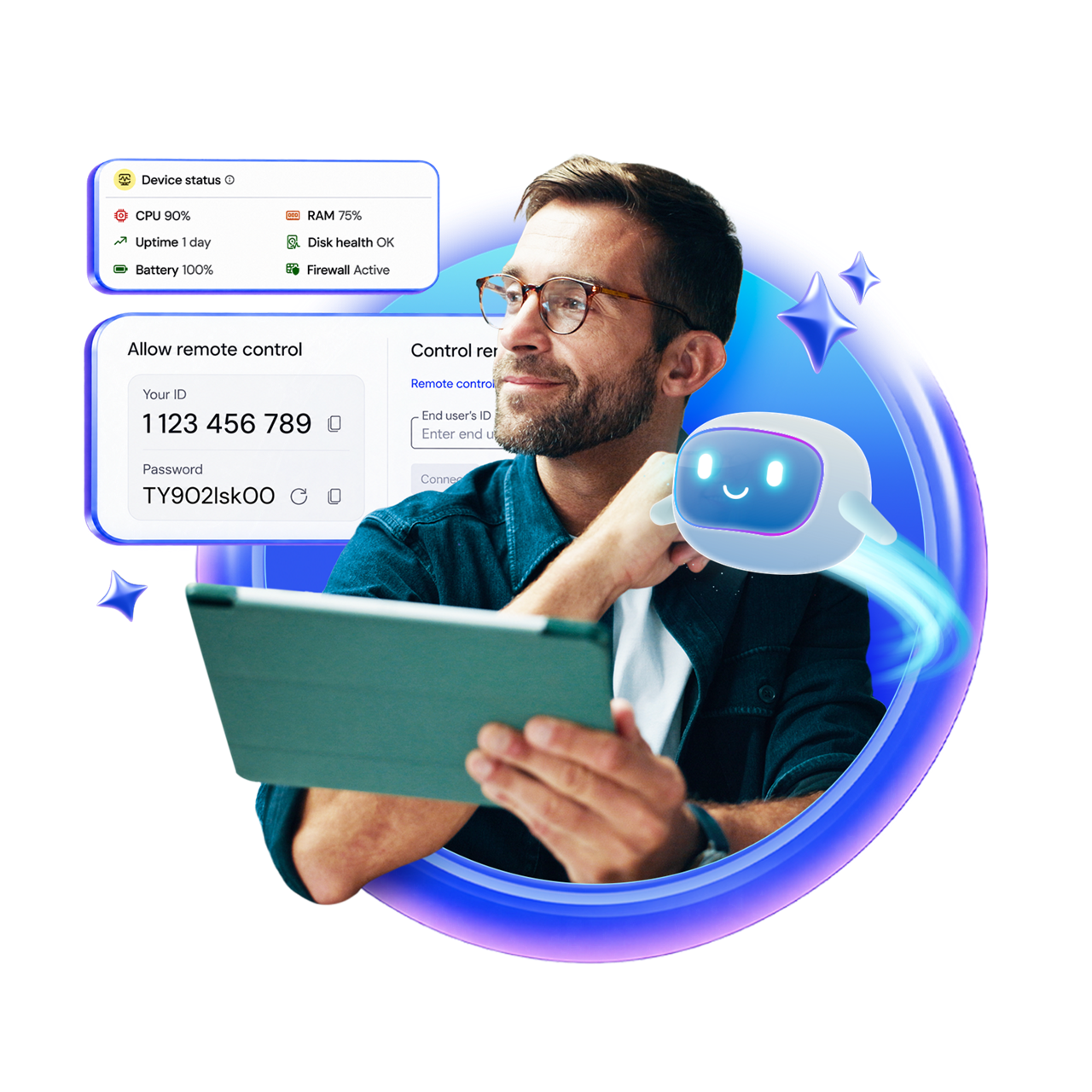
Support users or securely access unattended devices across operating systems, locations, and device types.
Combine reliable remote connectivity with Tia-powered troubleshooting and automated session documentation.
Protect remote operations with centralized permissions, policies, authentication, and visibility.
Extend remote support with device management, monitoring, automations, and more.
TeamViewer Remote enables you to achieve much more than simply connecting to a device.
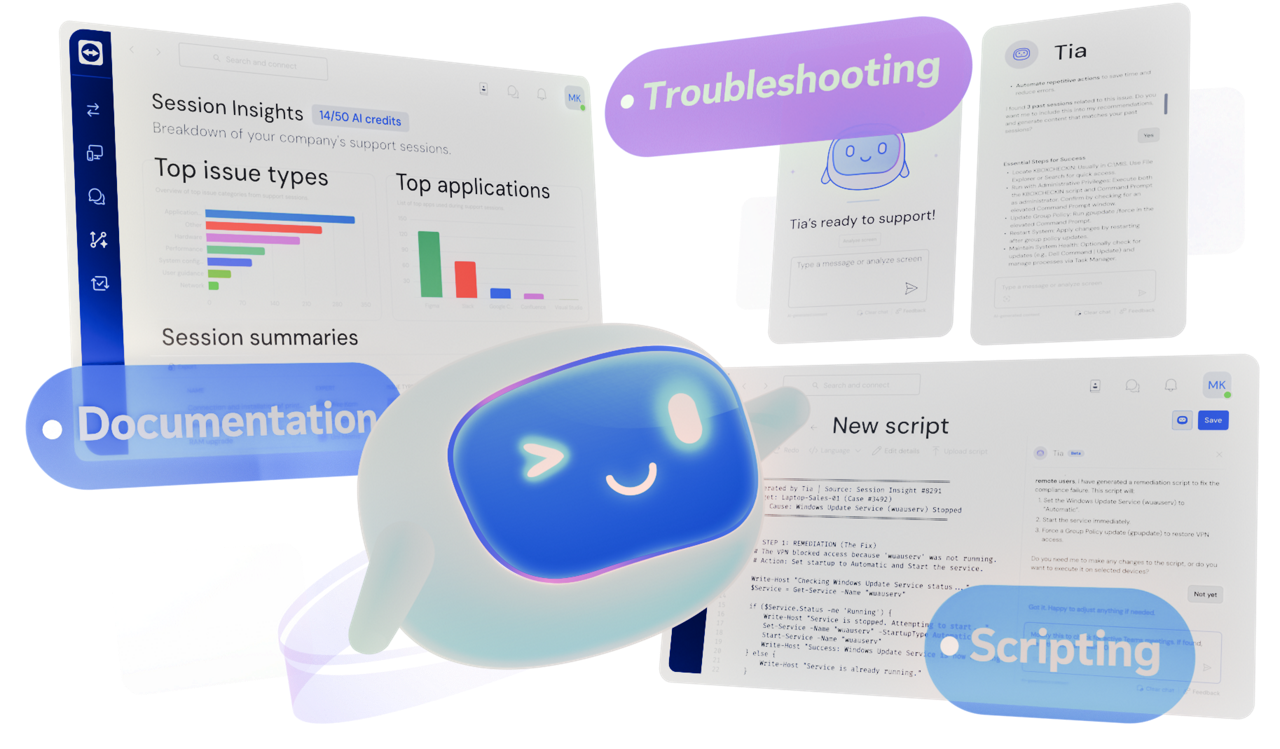
With integrated AI-powered Tia and Session Insights, you can diagnose issues, guide remediation and document what happened more quickly, spending less time on repetitive work.
Use endpoint context and live diagnostics to investigate issues, identify likely causes, and guide remediation.
Session Insights automatically documents support sessions, creating structured summaries and reusable knowledge.
Use successful resolutions and captured knowledge to improve consistency and accelerate future support.
From secure access and troubleshooting to device management and AI-powered support, TeamViewer Remote helps teams work faster and with less complexity.

Securely connect to computers, servers, kiosks, and other business-critical devices, even when no one is physically at the remote device. Perform maintenance, deploy updates, and resolve issues at any time.

Tia helps supporters diagnose and resolve issues using AI-powered diagnostics, recommendations, and guided remediation. Automated session summaries and insights help capture knowledge and improve consistency across the team.

Deliver a consistent support experience across Windows, macOS, Linux, Android, iOS, rugged devices, kiosks, and more—all from one solution.

Monitor, access, and manage your devices through a centralized workspace that scales as your business grows.

Provide fast, stable remote sessions, even across low-bandwidth networks, so employees can work without interruption.

Secure remote operations with centralized controls, granular permissions, and governance designed for modern IT environments.
Enhance your remote support experience with solutions that help your team work smarter, reduce downtime, and support more devices.

Gain visibility into endpoint health and user experience to identify unreported issues, reduce downtime, and keep employees productive.

Support on-site teams with augmented reality (AR)-powered remote assistance that helps resolve equipment issues faster while reducing travel.

Support Android, iPhone, iPad, rugged devices, and other mobile endpoints from one solution.

Simplify device management with centralized monitoring, patching, and endpoint oversight. Keep devices secure, stable, and running efficiently.
Spotlight
TeamViewer ONE unifies remote access with endpoint management, AI-powered automation, and DEX capabilities to reduce downtime and improve productivity.
TeamViewer Remote enables secure remote support, unattended remote access, and device management from a single platform. Businesses use it to support employees and customers, access remote devices, and manage distributed IT environments.
Remote support allows IT teams to connect to users and devices to troubleshoot issues in real time. Remote access enables secure connections to unattended devices, applications, and systems, even when no user is present.
TeamViewer Remote supports Windows, macOS, Linux, Android, iOS, ChromeOS, rugged devices, kiosks, point-of-sale systems, and other business-critical endpoints.
Yes. Employees can securely access work devices, files, and applications from anywhere, while IT teams maintain centralized visibility and control across distributed environments.
Fast remote connectivity, AI-powered troubleshooting assistance, automated session summaries, and centralized device management help IT teams reduce downtime and improve productivity.
TeamViewer Remote includes AI-powered in-session troubleshooting assistance through Tia and automated documentation with Session Insights. These capabilities help teams diagnose issues faster, surface relevant knowledge from previous sessions, and automate session documentation. Depending on your license, different amount of monthly AI credits is included by default.
Yes. TeamViewer Remote includes end-to-end encryption, multi-factor authentication, role-based access controls, allow/block lists, device policies, and centralized governance features to help protect remote operations.
TeamViewer Remote is designed to support organizations ranging from small businesses to large enterprises. Flexible licensing and centralized management make it easy to add users, devices, and support capabilities over time.
Most organizations can get started in minutes. TeamViewer Remote is designed for simple deployment and onboarding, with options for unattended device access, centralized device management, and large-scale deployments for growing IT environments.
No. TeamViewer Remote works securely across different networks, locations, and internet connections, allowing teams to provide support and access devices from virtually anywhere.
Yes. TeamViewer Remote integrates with a wide range of IT service management (ITSM), collaboration, endpoint management, and CRM platforms, helping teams streamline workflows and reduce context switching.
With the Standard Integration Package, organizations can connect TeamViewer Remote to tools such as ServiceNow, Jira, Freshworks, Zendesk, Microsoft Intune, Microsoft Teams, and Salesforce. These integrations allow support teams to launch remote sessions directly from their existing tools, accelerate issue resolution, and keep work centralized within established processes.