Remote access and support you can trust
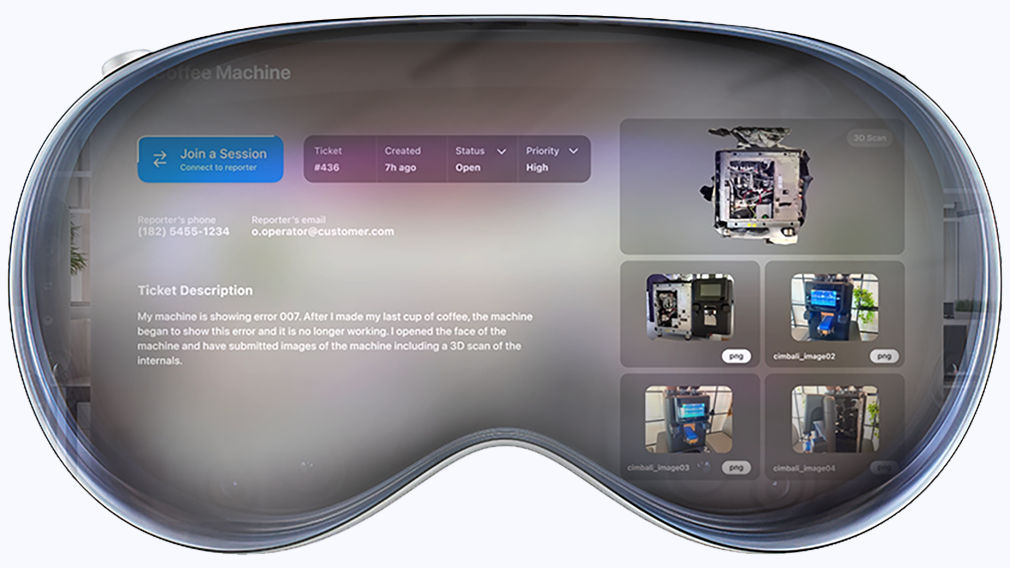
Immersive and remote troubleshooting for after-sales and field service.
Gain secure access to devices from anywhere with our remote technology.
Strengthen customer relationships with fast, reliable after-sales service.



Work from anywhere with full access to any device.
Stay productive wherever you are with unrestricted access to all your files and applications, as well as your mobile devices and servers, all without a VPN.

Instant remote support for IT professionals and teams.
Forget costly site visits. Solve your IT challenges with enterprise-grade remote support.
TeamViewer is compatible with almost any device and operating system.
Enhance your TeamViewer experience, know more about your devices, and proactively keep your IT infrastructure healthy, stable, and secure. Boost your IT efficiency and centrally manage, monitor, track, patch, and protect your computers, devices, and software — all from a single platform with TeamViewer Remote Management.
Gain instant visibility into your IT systems with asset tracking and management.
Onboard, manage, and monitor mobile devices in your company.
Prevent unnecessary downtime and ensure your IT systems are stable, secure, and always running smoothly.
Protect your devices wherever they are with next-generation cyber defense against viruses, zero-day exploits, ransomware, and more.
320 million
2.5 billion
99.99%
Forget complex configurations and lengthy installations – download now and be up and running instantly.






Digitalize almost any industrial process – from logistics picking to field service.
Expand the potential of Microsoft Teams with remote device control and AR-based remote support capabilities.
Extend the scope of your Salesforce Sales and Service Cloud with remote support functionality.
Supercharge your Freshworks set-up with remote access and control capabilities.
Activate remote support and control for your Intune-managed devices.
Add remote connectivity to your Jira platform to boost internal collaboration and support your customers.
Make your ServiceNow workflows even smoother with remote support functionality.
Connect with one of our customer success specialists and start defining your TeamViewer setup.